
🛡️ Quick answer: Every major package manager can now refuse package versions that are too new. npm uses
min-release-age(days), pnpmminimumReleaseAge(minutes), YarnnpmMinimalAgeGate(minutes), BunminimumReleaseAge(seconds) and DenominimumDependencyAge. The table below has the exact file and value for each.
Updated October 2026. The first version of this guide said no package manager supported this natively. That's no longer true: all five do now, so the guide leads with the built-in settings and keeps the CI script for older versions.
Quick reference
| Package manager | Setting | Where it goes | Unit | 3 days is | Needs |
|---|---|---|---|---|---|
| npm | min-release-age | .npmrc | days | 3 | npm 11.10.0+ |
| pnpm | minimumReleaseAge | pnpm-workspace.yaml | minutes | 4320 | pnpm 10.16+ (on by default, 1 day, in pnpm 11) |
| Yarn | npmMinimalAgeGate | .yarnrc.yml | minutes | 4320 | Yarn 4.10.0+ |
| Bun | minimumReleaseAge | bunfig.toml, under [install] | seconds | 259200 | Bun 1.3.0+ |
| Deno | minimumDependencyAge | deno.json | ISO-8601 duration or minutes | "P3D" | On by default (24 hours) since Deno 2.9 |
⚠️ Watch the units. They differ between managers, and it's the easiest mistake to make: minimumReleaseAge: 3 in pnpm means three minutes, not three days.
Fix: “npm error `min-release-age` is not a valid npm option”
npm prints this when you run npm config set min-release-age 3 on a version older than 11.10.0, which doesn't know the setting yet. Upgrade npm, check the version, then set it again:
npm install -g npm@latest
npm --version   # needs 11.10.0 or newer
npm config set min-release-age 3 --location=user
Writing min-release-age=3 into .npmrc by hand doesn't get around it: an older npm ignores the line, so nothing is enforced. If you can't upgrade npm (say it's pinned in CI), use the CI age check further down instead.
What minimum release age is, and why it works
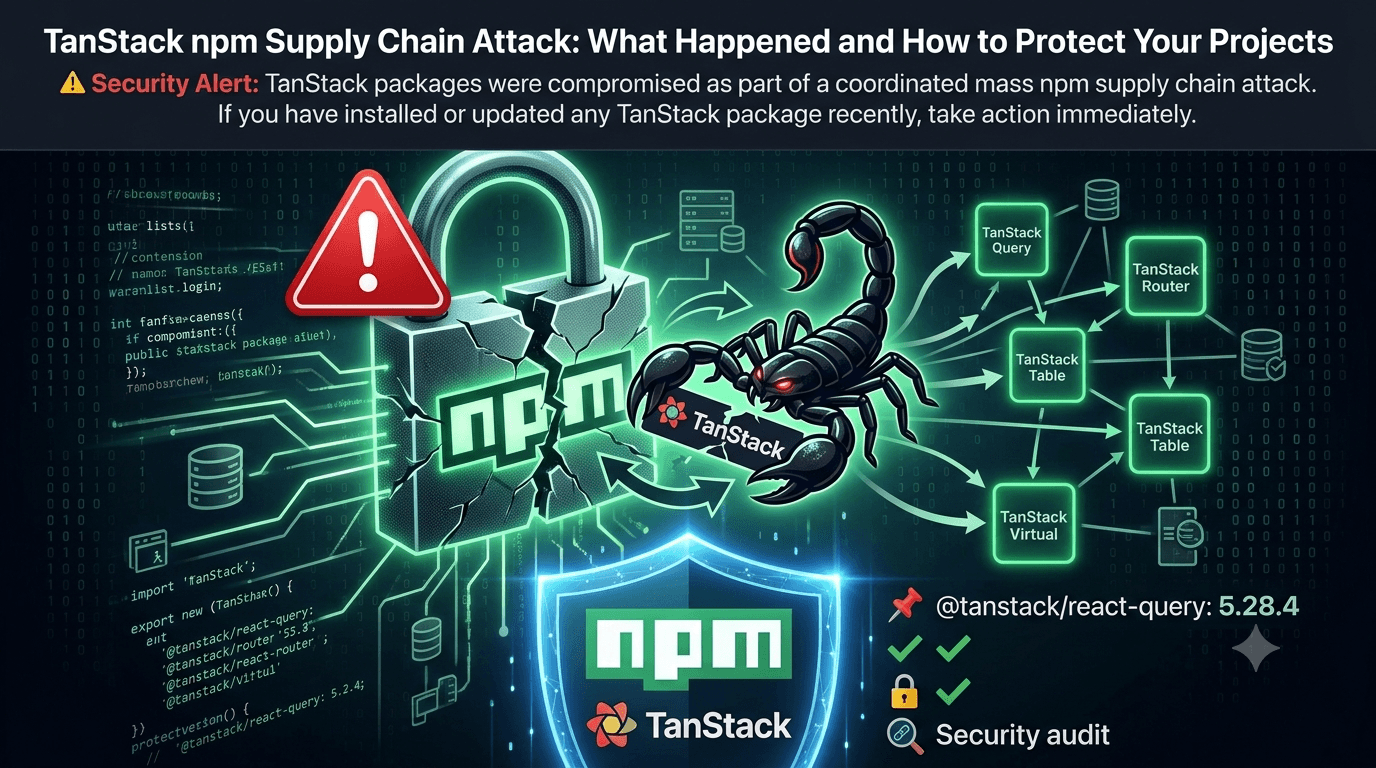
After the recent wave of npm supply chain attacks, including the TanStack compromise, the community is rethinking how much we trust the packages we install.
A minimum release age (also called a dependency cooldown) stops your project from installing any package version published less than N days ago, including transitive dependencies. Most malicious versions are spotted and pulled within 24 to 72 hours by the community, security researchers or automated scanners. If your toolchain waits a few days before accepting a new version, the bad ones are usually gone before you'd ever install them.
The attack timeline
Day 0  → Malicious package version published to npm
Day 0  → Developers with auto-update configs install it
Day 0  → Secrets and tokens start being exfiltrated
Day 1  → Security researcher notices unusual package behavior
Day 1  → Report filed with npm security team
Day 2  → Package pulled from registry
Day 2  → Advisory published
Day 3+ → Developers with a minimum release age: unaffected ✅
What it protects against
Newly published malicious versions: attackers rely on rapid installs
Compromised maintainer accounts pushing bad versions
Automated bots that immediately install
latestDependency confusion attacks that publish fresh packages under your internal names
What it doesn't protect against
Bad versions that were already in your lockfile before the attack
Long-term sleeper packages (malicious code added after months of legitimate use)
Versions you've explicitly pinned
npm: min-release-age
Since npm 11.10.0 (February 2026), npm refuses to resolve any version published less than the configured number of days ago. Put it in the project's .npmrc so your whole team and your CI get it:
# .npmrc
min-release-age=3
To apply it to every project on your machine instead:
npm config set min-release-age 3 --location=userOlder npm versions don't enforce it, so check with npm --version and upgrade with npm install -g npm@latest if you need to. One limitation: min-release-age can't be combined with npm's older before setting, which pins installs to a fixed date. Use one or the other.
pnpm: minimumReleaseAge
pnpm added it in 10.16 (September 2025), and since pnpm 11 it's on by default at 1440 minutes (one day). Set it in pnpm-workspace.yaml at the root of your project. A single-package project can have this file too.
# pnpm-workspace.yaml
minimumReleaseAge: 4320 # 3 days, in minutes
minimumReleaseAgeExclude:
  - '@your-org/*' # your own packages, which you can trust immediately
On pnpm 10.x, minimum-release-age=4320 in .npmrc also works, but pnpm 11 ignores .npmrc for this setting. The YAML file keeps working when you upgrade.
Yarn: npmMinimalAgeGate
Yarn Berry added it in 4.10.0. Set it in .yarnrc.yml:
# .yarnrc.yml
npmMinimalAgeGate: 4320 # 3 days, in minutes
npmPreapprovedPackages:
  - "@your-org/*"
Yarn's docs also show duration strings like "1w", but there have been reports of suffixed values being ignored on some versions. A plain number of minutes avoids that. To confirm what Yarn actually picked up:
yarn config get npmMinimalAgeGatenpmPreapprovedPackages takes package names, glob patterns or exact versions, and lets them skip all of Yarn's package gates.
Bun: minimumReleaseAge
Bun added it in 1.3.0. It goes in bunfig.toml under [install], and the unit is seconds:
# bunfig.toml
[install]
minimumReleaseAge = 259200 # 3 days, in seconds
minimumReleaseAgeExcludes = ["@your-org/cli"]
Deno: minimumDependencyAge
Deno applies it to both npm and JSR packages. Since Deno 2.9 it's on by default with a 24-hour window, so you get one day of protection with no config at all. To raise it, set it in deno.json:
{
  "minimumDependencyAge": "P3D"
}
The value can be an ISO-8601 duration (P3D, PT72H), a number of minutes, a cutoff date such as 2025-09-16, or 0 to turn it off. To exempt your own packages, use the object form. It takes exact package names; scope wildcards aren't supported yet.
{
  "minimumDependencyAge": {
    "age": "P3D",
    "exclude": ["npm:@your-org/cli", "jsr:@your-org/lib"]
  }
}
For a one-off install or a single CI step:
deno install --minimum-dependency-age=P3DDeno's permission model is a second line of defense on top of this: a dependency can't read environment variables or write to disk unless you grant it.
# Only grant the permissions your app needs
deno run --allow-net=api.myapp.com --allow-read=./data app.ts
Give Renovate and Dependabot the same cooldown
Your package manager now refuses fresh versions, but your update bot will still open pull requests for them, and CI will fail on those PRs. Set the same delay in the bot:
// renovate.json
{
  "minimumReleaseAge": "3 days"
}# .github/dependabot.yml
version: 2
updates:
- package-ecosystem: "npm"
directory: "/"
schedule:
interval: "weekly"
cooldown:
default-days: 3On an older package manager? Add a CI age check
If you can't upgrade yet, this script gives you the same protection in CI. It reads package-lock.json, looks up when each installed version was published, and fails the build if any are newer than 3 days. It checks packages one at a time to stay polite to the registry, so expect it to take a minute on a large project.
// scripts/check-package-age.mjs
import { readFileSync } from 'fs';

const MIN_AGE_DAYS = 3;
const lockfile = JSON.parse(readFileSync('./package-lock.json', 'utf-8'));

// "node_modules/a/node_modules/@scope/b" -> "@scope/b"
const nameOf = (path) => path.slice(path.lastIndexOf('node_modules/') + 'node_modules/'.length);

const packages = new Map();
for (const [path, info] of Object.entries(lockfile.packages ?? {})) {
  if (path.includes('node_modules/') && info.version && !info.link) {
    packages.set(`${nameOf(path)}@${info.version}`, { name: nameOf(path), version: info.version });
  }
}

async function ageInDays({ name, version }) {
  const res = await fetch(`https://registry.npmjs.org/${name}`);
  if (!res.ok) throw new Error(`Registry lookup failed for ${name}: ${res.status}`);
  const publishedAt = (await res.json()).time?.[version];
  return publishedAt ? (Date.now() - new Date(publishedAt)) / 86_400_000 : Infinity;
}

console.log(`Checking ${packages.size} packages...`);
const tooNew = [];
for (const pkg of packages.values()) {
  const age = await ageInDays(pkg);
  if (age < MIN_AGE_DAYS) tooNew.push(`${pkg.name}@${pkg.version} (${age.toFixed(1)} days old)`);
}

if (tooNew.length > 0) {
  console.error(`❌ ${tooNew.length} package(s) are newer than ${MIN_AGE_DAYS} days:`);
  for (const line of tooNew) console.error(`   ${line}`);
  process.exit(1);
}
console.log(`✅ All packages are at least ${MIN_AGE_DAYS} days old.`);
Add it to your CI pipeline
# .github/workflows/security.yml
name: Security checks
on: [pull_request, push]

jobs:
  package-age-check:
    runs-on: ubuntu-latest
    steps:
      - uses: actions/checkout@v4
      - uses: actions/setup-node@v4
        with:
          node-version: '22'
      - name: Check package minimum age
        run: node scripts/check-package-age.mjs
Extra layers worth adding
Turn off install scripts. Most npm malware runs from a
postinstallscript. In npm, use--ignore-scriptsorignore-scripts=truein.npmrc. Since pnpm 10, dependencies' install scripts don't run unless you allow them. Bun only runs them for packages listed intrustedDependencies, and Yarn hasenableScripts: false. See the npm RFC to make install scripts opt-in.Use a frozen lockfile in CI:
npm ci,pnpm install --frozen-lockfile,yarn install --immutable,bun install --frozen-lockfileordeno install --frozen.Check provenance.
npm audit signaturesverifies registry signatures and provenance attestations for what you've installed.Scan before installing. Socket's
socket npm installwraps npm and flags new or risky packages.
Summary
| Package manager | Minimum release age | Install scripts | Frozen lockfile in CI |
|---|---|---|---|
| npm | min-release-age (11.10+) | --ignore-scripts | npm ci |
| pnpm | minimumReleaseAge (10.16+, default in 11) | Off by default since pnpm 10 | --frozen-lockfile |
| Yarn | npmMinimalAgeGate (4.10+) | enableScripts: false | --immutable |
| Bun | minimumReleaseAge (1.3+) | trustedDependencies allowlist | --frozen-lockfile |
| Deno | minimumDependencyAge (default since 2.9) | Permission model | --frozen |
Key takeaways
npm, pnpm, Yarn, Bun and Deno all support a minimum release age natively now. You don't need a custom script unless you're on an older version.
Watch the units: days for npm, minutes for pnpm and Yarn, seconds for Bun.
pnpm 11 and Deno 2.9+ protect you for one day by default. npm, Yarn and Bun need you to turn it on.
Exclude your own packages so internal releases aren't held back.
Give Renovate or Dependabot the same cooldown, or their PRs will fail.
Start with 3 days. It catches most smash-and-grab npm attacks with very little friction.