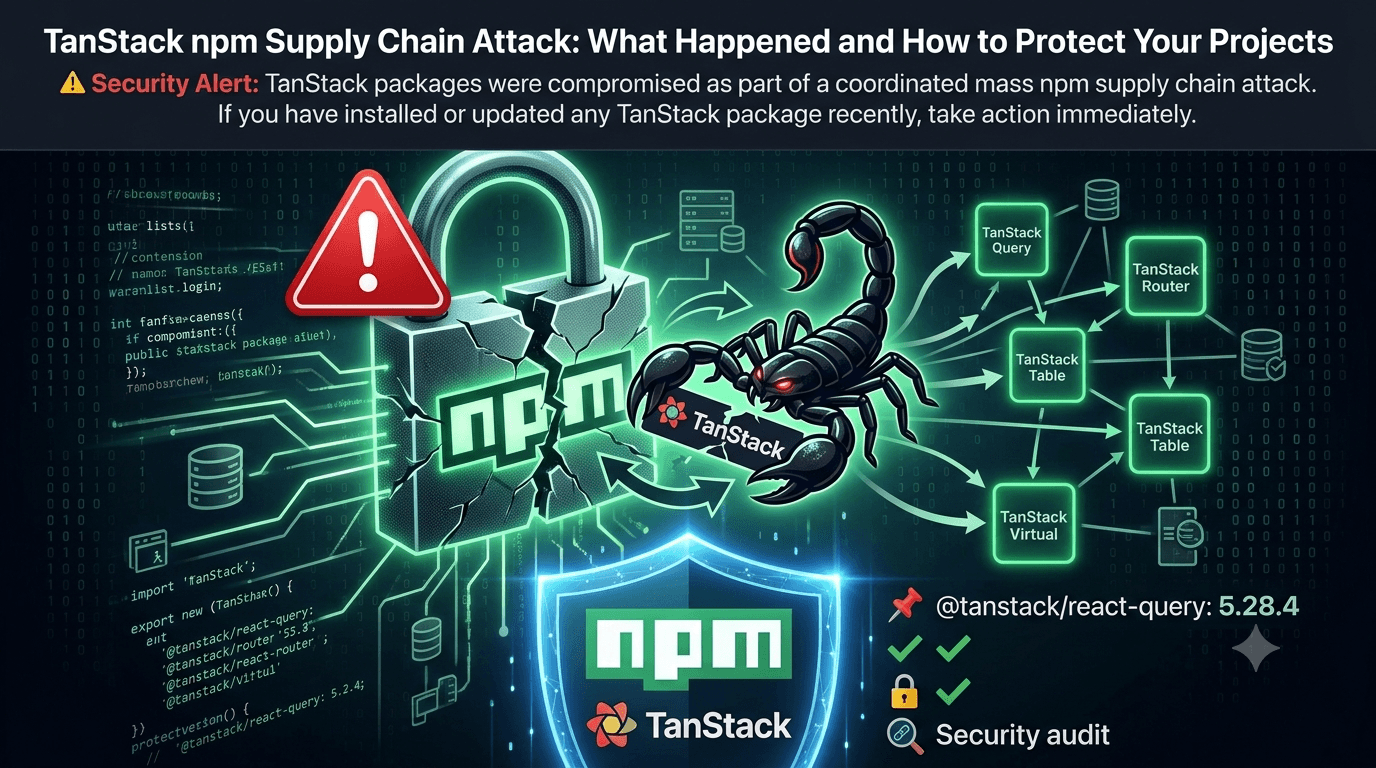

⚠️ Security Alert: TanStack packages were compromised as part of a coordinated mass npm supply chain attack. If you have installed or updated any TanStack package recently, take action immediately.
Introduction
The JavaScript ecosystem was rocked this week when TanStack — one of the most widely adopted open-source library suites in the React community — was caught up in a mass npm supply chain attack. Libraries like TanStack Query, TanStack Router, TanStack Table, and others are used in hundreds of thousands of projects worldwide, making this one of the most significant security incidents the npm ecosystem has seen in recent years.
This post breaks down exactly what happened, how supply chain attacks work, what the consequences could be, and — most importantly — what you need to do right now to protect your codebase.
What Is a Supply Chain Attack?
A software supply chain attack targets the weakest link in your dependency tree rather than your own code directly. Instead of hacking your application, attackers compromise a trusted upstream package that your project depends on.
Think of it like this: your house (your app) might have excellent locks, but if the company that manufactures your locks gets compromised and ships you a tampered product, your security is broken before you even install it.
Why npm Is a Prime Target
npm hosts over 2.5 million packages
The average Node.js project has hundreds of transitive dependencies
Most developers blindly trust packages from established maintainers
Install scripts run automatically and with full system access
Packages can be updated silently without developers noticing
What Exactly Was Compromised?
The TanStack packages affected were published to npm with malicious versions injected into the release pipeline. The attack vector appears to have targeted:
Maintainer credentials — Attackers likely gained access to npm publish tokens
CI/CD pipeline compromise — Build systems may have been tampered with to inject malicious code into otherwise legitimate packages
Dependency confusion or typosquatting — Related packages with similar names may have been weaponized
The malicious versions contained code designed to:
Exfiltrate environment variables (API keys, secrets, tokens)
Execute arbitrary shell commands during the install phase via
postinstallscriptsPhone home to attacker-controlled servers with system metadata
How to Check If You're Affected
Step 1: Audit Your Lock File
Check your package-lock.json or yarn.lock for any TanStack package versions published in the attack window. Look for unexpected version bumps:
# Search for TanStack packages in your lock file
grep -i "tanstack" package-lock.json
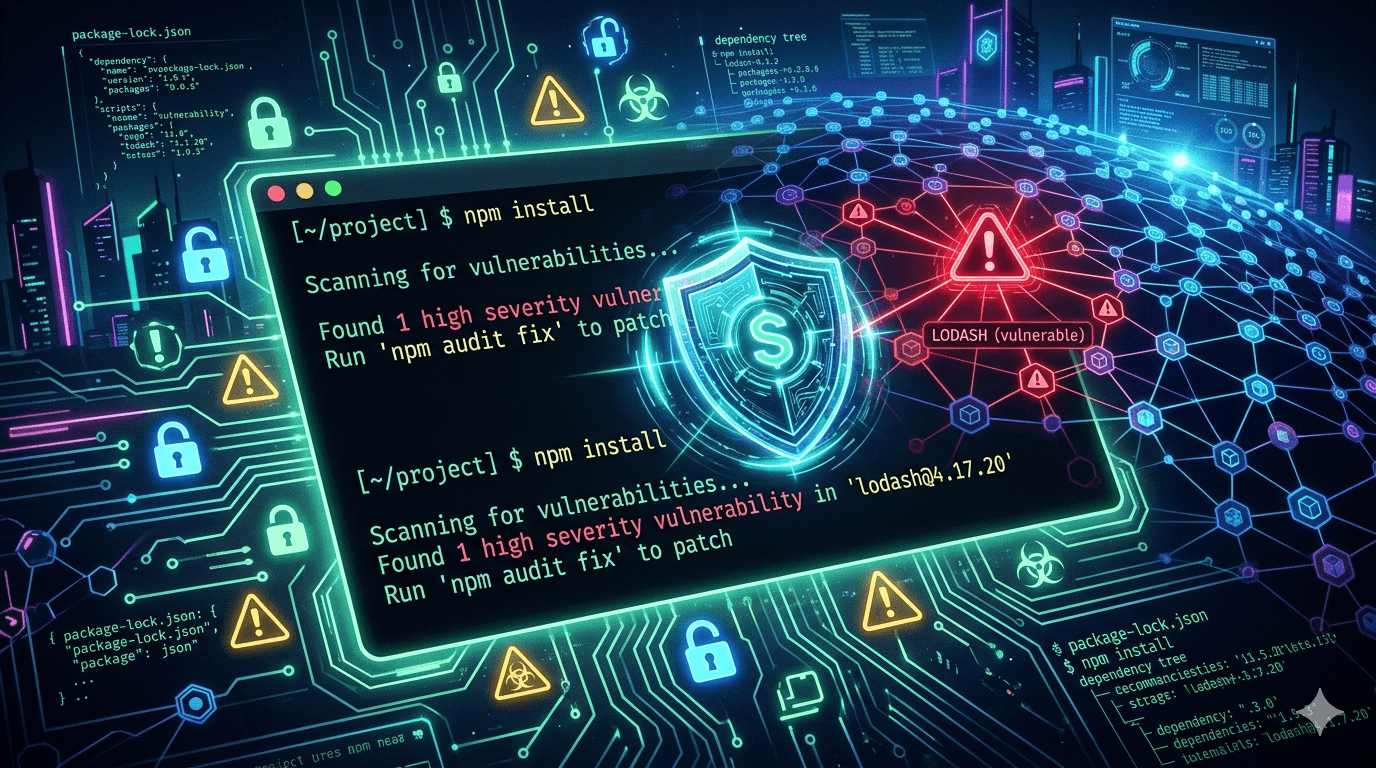
Step 2: Scan With npm Audit
npm audit
npm audit --audit-level=moderate
Step 3: Use Socket.dev for Deep Analysis
Socket.dev provides deep package analysis, including detection of install scripts, network calls, and suspicious behaviors:
npx socket npm installStep 4: Check Your Environment for Exfiltration Signs
Review your CI/CD logs and network egress for unexpected outbound connections. If your secrets may have been exposed, rotate them immediately — API keys, database passwords, cloud credentials.
Immediate Action Checklist
Follow these steps right now if you use any TanStack packages:
To do: Run
npm auditand review the output thoroughlyTo do: Check your lock file for unexpected version changes
To do: Rotate any secrets or tokens that were present in your build environment
To do: Pin your TanStack dependencies to a known safe version
To do: Enable 2FA on your npm account if you're a maintainer
To do: Set up automated dependency scanning in your CI pipeline
To do: Notify your security team if you operate in a regulated environment
Long-Term Best Practices to Prevent Future Attacks
1. Pin Your Dependency Versions
Stop using floating version ranges for critical dependencies. Instead of:
"@tanstack/react-query": "^5.0.0"Use exact versions:
"@tanstack/react-query": "5.28.4"2. Commit and Audit Your Lock File
Always commit package-lock.json or yarn.lock to version control. Review lock file diffs in every PR — unexpected changes are a red flag.
3. Use --ignore-scripts Where Possible
Prevent automatic execution of install scripts:
npm install --ignore-scriptsYou can make this the default in your .npmrc:
ignore-scripts=truenpm itself may make this the default: the npm RFC to make install scripts opt-in covers what would change and the trade-offs.
4. Set Up Dependency Review in CI
GitHub's Dependency Review Action flags new or changed dependencies in every PR:
# .github/workflows/dependency-review.yml
name: Dependency Review
on: [pull_request]
jobs:
  dependency-review:
    runs-on: ubuntu-latest
    steps:
      - uses: actions/checkout@v4
      - uses: actions/dependency-review-action@v4
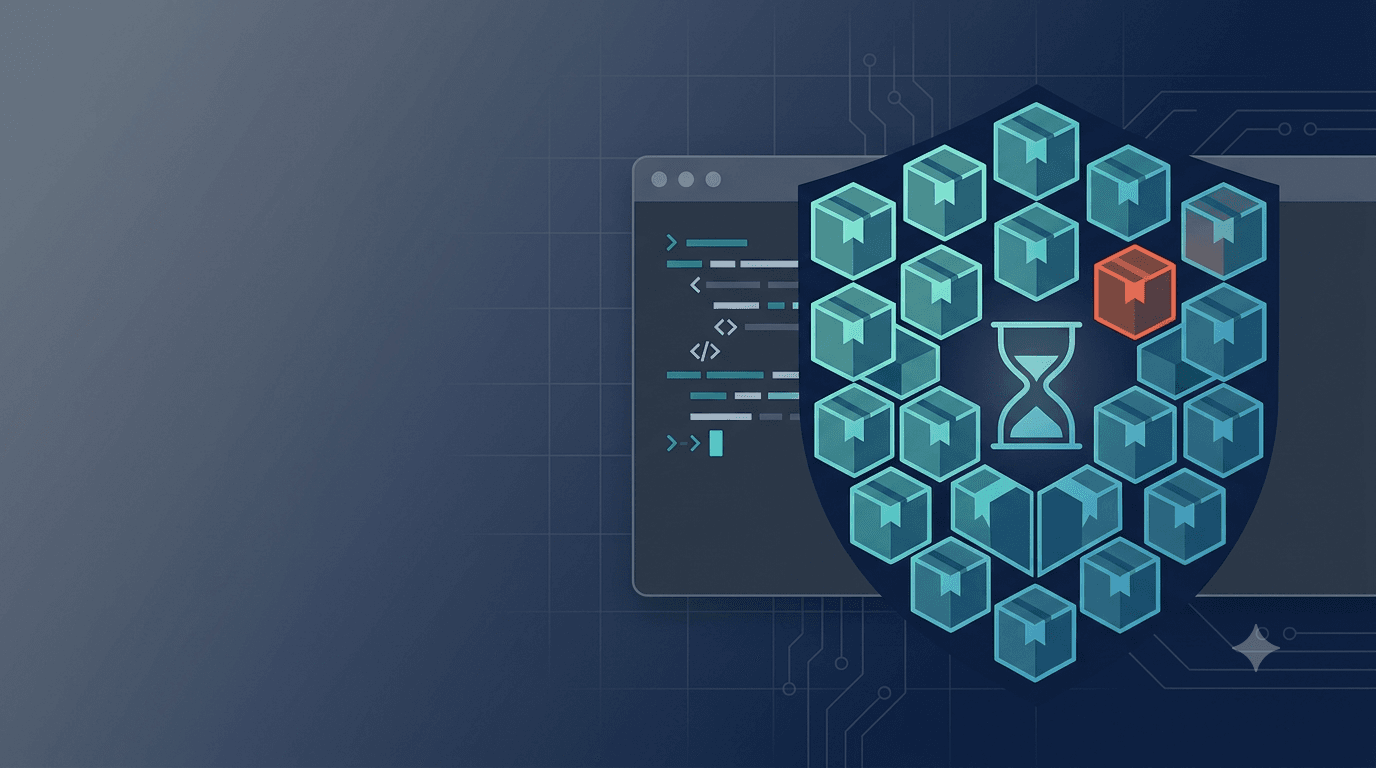
5. Enforce Minimum Package Age
Consider only allowing packages that have been published for at least 3–7 days, giving the community time to catch malicious releases before they hit your production build. npm, pnpm, Yarn, Bun and Deno all have a built-in setting for this now; the minimum release age guide has the exact config for each.
The Bigger Picture: Is npm Safe?
This attack raises serious questions about the security model of the npm ecosystem. Some structural reforms being discussed in the community include:
Making install scripts opt-in (currently an open RFC at npm/rfcs)
Mandatory 2FA for publishing to popular packages
Provenance attestations — npm now supports linking published packages to their source repository and build pipeline
Package signing using Sigstore
npm has already introduced provenance support. You can verify a package's provenance with:
npm audit signaturesKey Takeaways
🔐 Security is a shared responsibility. You can write perfect code and still be compromised through your dependencies.
Supply chain attacks are increasing in frequency and sophistication
TanStack's compromise affects a huge swath of the React ecosystem
Rotate any secrets that may have been exposed in your build environment
Adopt dependency pinning, lock file auditing, and automated scanning as non-negotiable practices
Follow the npm/rfcs discussion to advocate for safer defaults